Design assets
Your design tool, our cutout.
Drop a photo, get a transparent PNG you can slot into Figma, Photoshop, Canva, or any design tool. Real edges, real alpha, ready to use.
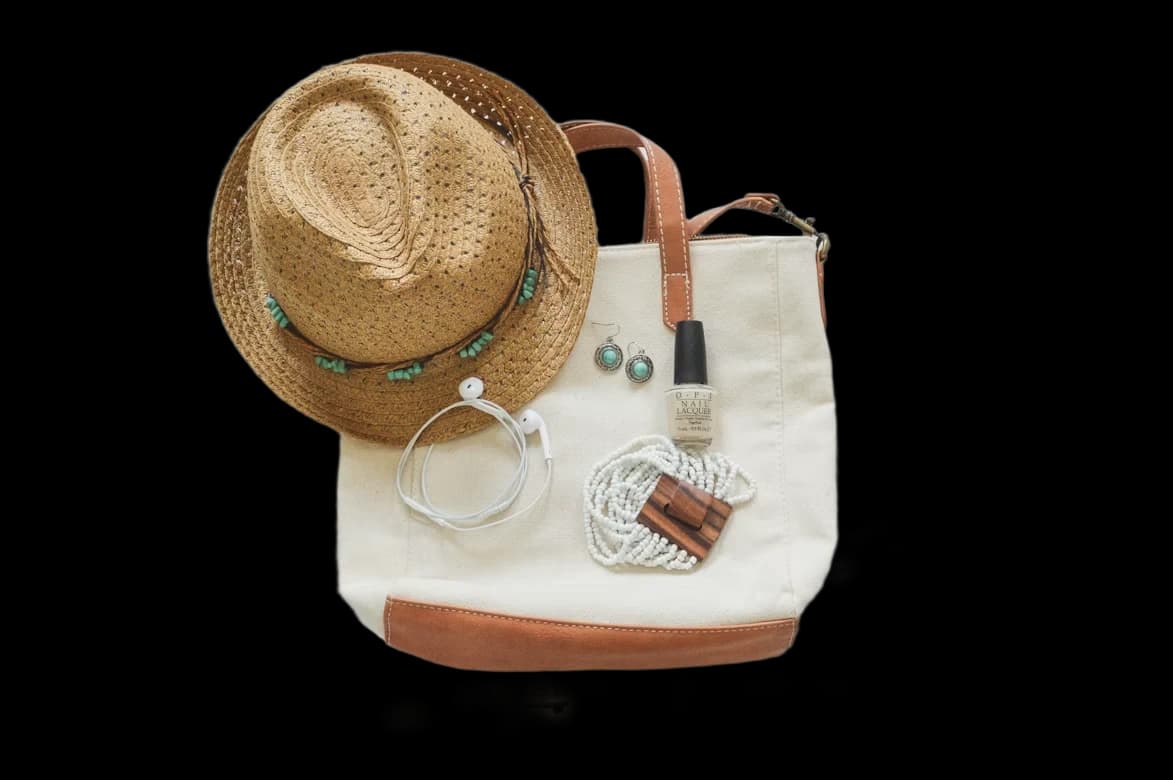
Works in your stack
Same cutout, any tool.
The PNG slots into your existing workflow with the alpha intact. No conversion, no matting, no extra steps.
File ready
Drop it in and ship.
Lossless, works everywhere
Best for web delivery
How it works
Step 1
Upload any photo
Drop, paste, or browse a JPG, PNG, or WebP. Works with products, people, objects, and illustrations.
Step 2
Get a real-alpha PNG
The cutout returns with a proper alpha channel — not a fake matting. Drop it into any tool with the transparency intact.
Step 3
Use it in your design
Works in Figma, Photoshop, Canva, Notion, PowerPoint — anywhere you need a cutout with clean edges.
Frequently asked questions
Everything you might want to know about design asset cutouts.
try it now
Drop an image.
Background removed, object erased, or upscaled to 4K — in seconds.